Dedicated Mac mini M4 cloud rental
bare-metal macOS—the whole machine is yours
Single-tenant Apple Silicon hardware—not a Mac cloud VPS or shared VM. Develop iOS apps with Xcode, run Simulator, and wire up GitHub Actions self-hosted runners without buying a Mac. Connect via browser VNC or SSH from anywhere. Five Tier 3+ datacenters, unified pricing from $21.8/day, provisioned in 1–5 minutes.
Bare-metal Mac mini M4
not a virtualized Mac host
VPSRox assigns you a physical Mac mini M4 in the rack—no hypervisor, no overselling, no noisy neighbors. CPU, 16 GB unified memory, and NVMe are 100% yours, so Xcode clean builds and iOS Simulator runs stay predictable. See full hardware specs.
Hardware details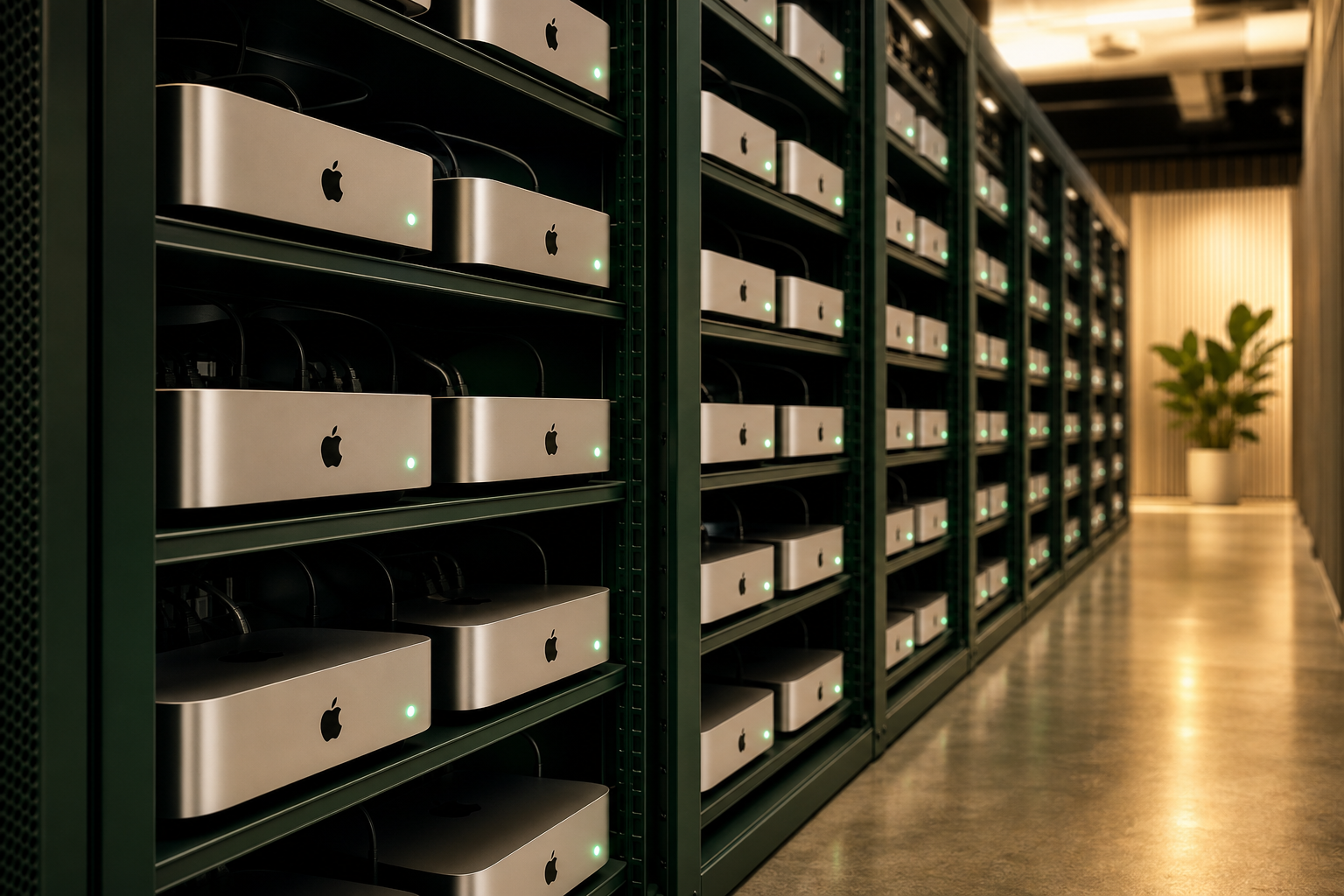
Remote Mac access three ways
browser VNC, SSH & desktop clients
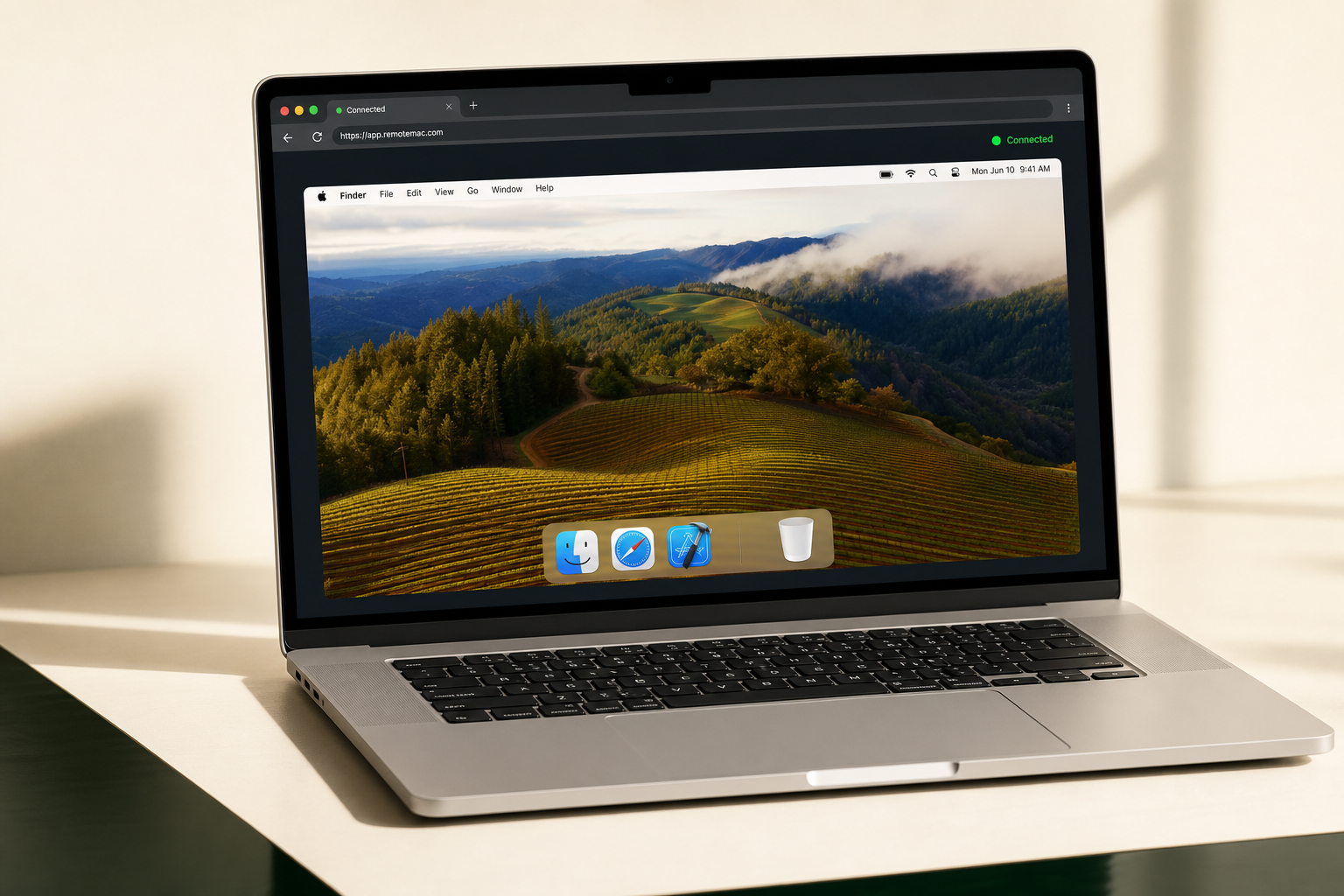
Browser VNC needs no install—ideal for first-time Xcode setup and GUI work. SSH suits headless CI scripts and Fastlane pipelines. RealVNC, Jump Desktop, and Screen Sharing cut latency for daily remote development. Every path grants full macOS admin—see our remote access setup guide.
Who rents a cloud Mac mini M4?
Common workflows for iOS/macOS developers, CI engineers, and AI researchers on Apple Silicon
iOS & macOS app development
Develop iOS apps without a Mac—install Xcode on remote macOS, compile, sign Archives, and push to TestFlight. Built for Windows/Linux teams and indie developers who need Apple Silicon now.
macOS CI/CD & build farms
Register dedicated nodes as self-hosted GitHub Actions runners or Jenkins agents—skip macos-latest queue times and control your signing keychain. See our iOS CI/CD setup guide.
AI Agent & LLMs
Run local LLMs on M4 Neural Engine 38 TOPS; OpenClaw sandbox isolates Agents with audit logs—see quick start.
Cross-border remote work
Fixed overseas public IP, stable low-latency macOS desktop. Five nodes—Singapore, Tokyo, Hong Kong, Seoul, US East—for cross-border teams.
Mac mini M4 standard configuration
Every rental is one dedicated Mac mini M4 physical machine—the same baseline at Singapore, Tokyo, Seoul, Hong Kong, and US East.
Mac mini cloud rental pricing
Daily, weekly, monthly, or quarterly—same USD price at all five nodes. Compare terms on our pricing page.
FAQ
Start your remote Mac mini in minutes
From $21.8/day at every node—pick a datacenter, pay, and get SSH plus browser VNC credentials in 1–5 minutes. Configure your cloud Mac online or create an account first.